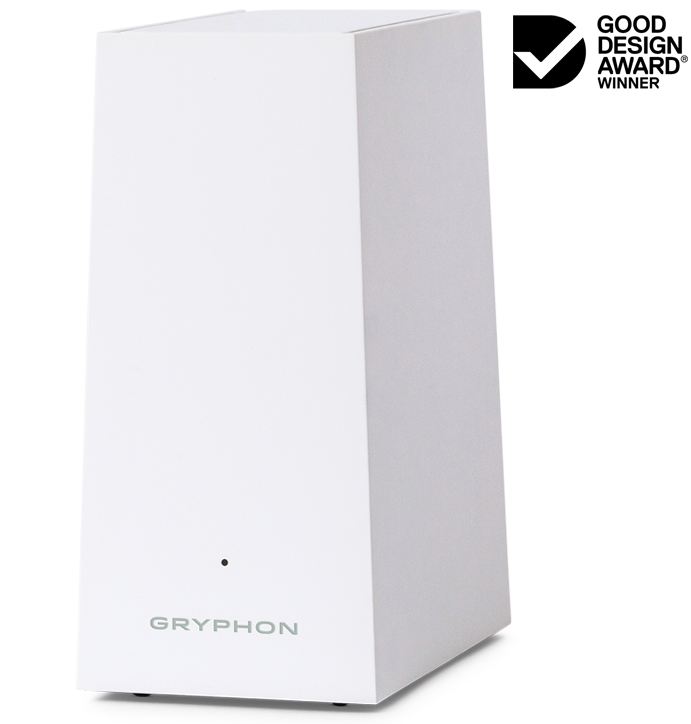
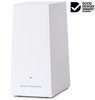
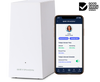
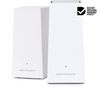
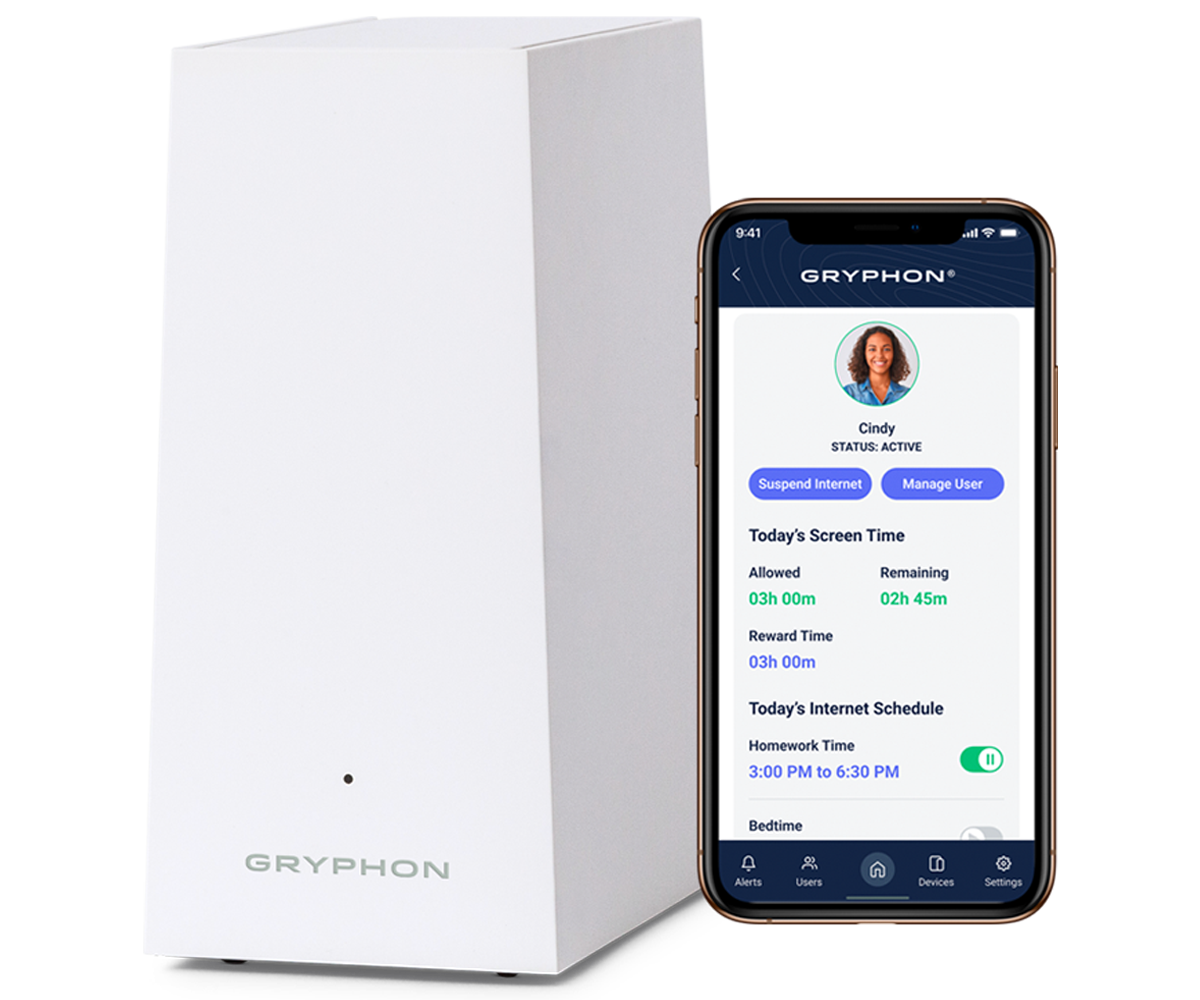
· Our fastest Gryphon model (up to 40% boost in performance)
· WiFi coverage for homes 2,000 sqft and up
· Supports even the busiest WiFi traffic and lots of connected devices
· Maximize the internet speeds of your WiFi 6 devices
NEXT-GEN WIFI 6 TECHNOLOGY The Gryphon AX cannot be used with the Gryphon Tower or Guardian models.
About the Gryphon AX:
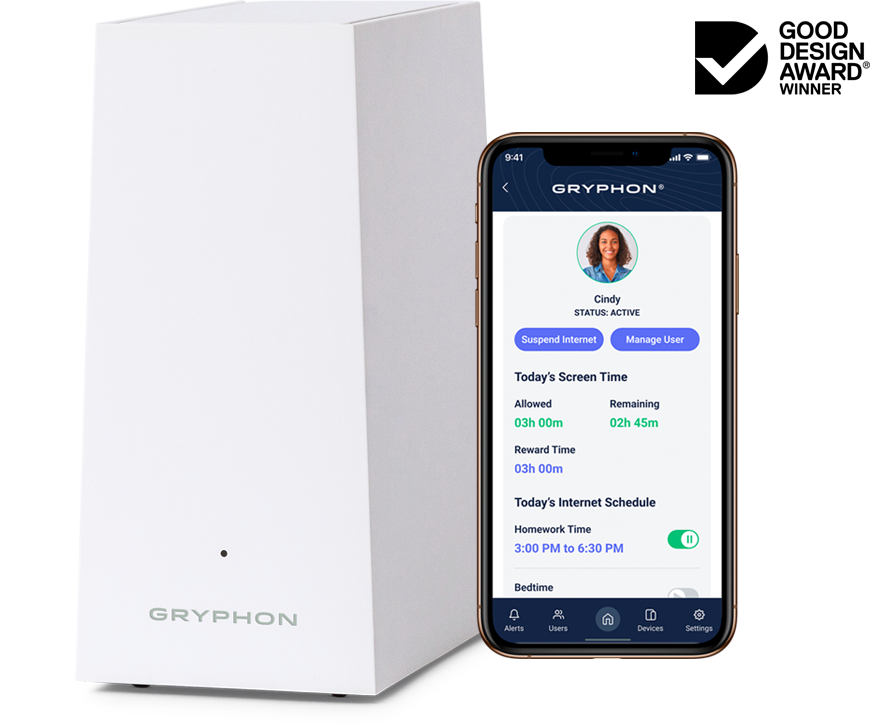
The Gryphon AX provides secure Internet access and management to all your household devices and users on a single mesh network, with comprehensive parental controls and firewall security.
This router also uses the latest WiFi 6 technology to securely increase speed and bandwidth for all devices. Connect more devices without risking any lag.
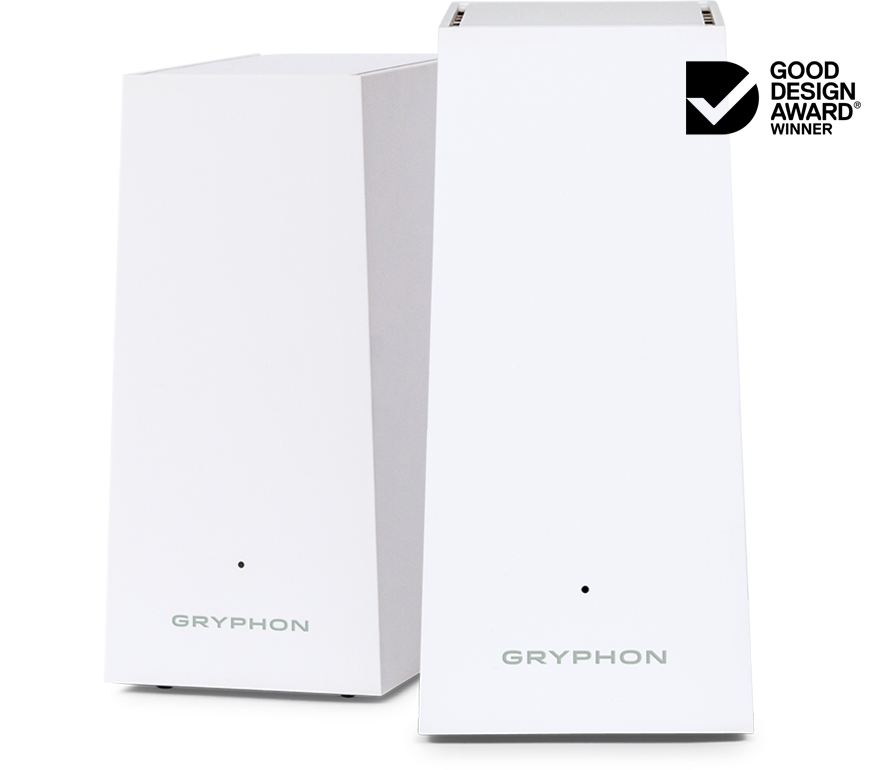
A single Gryphon AX router covers 3000 sqft. Each additional router adds up to double the coverage.
The Gryphon AX works best for:
· Work from home · Online schooling · Smart homes · Gaming · Large households
This item is a must have for parents with children who use the internet. It allows the parents to control what can be accessed and it stops a great deal of negative behavior. Great item we love it.
Angela CraytonMay 1, 2026
★★★★★
Best purchase Ive made all year.
This is a game changer if you have kids. You can Control their access all the way down to the app or website. I keep my grandkids suspended from internet from 9 pm to 9 am. No sneaking on devices. It is also a miraculous at security protection from malware and bugs for all your devices. It does not let anything dangerous on your network. Just make sure you buy a good modem
That can handle 6G because we will be there soon. My internet carrier wasn't trained in connecting modems and separate routers so it.took a while to get it up. If your modem shows the right color as on connect the router. You cant access just a modem. Lack of training on my services side but its fast and reliable now. Sneaky kids got on my phone and changed their access to unlimited which I would have never thought they could do but there are ways around that beside keeping my phone locked.
LeslieMarch 25, 2025
★★★★★
Works on all devices inside the house, all devices outside the house with HomeBound minus laptops.
Definitely met our needs and is a true internet filter of all devices in and out of the house EXCEPT laptops.
I gave one to a friend and bought another one and then returned it borrowing theirs instead since their first child is a newborn. So I hope that did not cause the reason for Amazon showing it as a item that is returned often because I would be sad to cause any parent to NOT have an internet filter in their home for their children because my return caused that message to pop up.
You do need your own smartphone to manage the app that controls the filtering.
Customer service is readily available. I chatted with them several times until I understood the ins and outs of using the mobile app and even getting the router connected.
Before connecting the Gryphon router, take a picture of the bottom of the router where the MAC number and QR code are because you will need those later. When first connecting the router, be patient. You have to follow the instructions exactly. I think what I did wrong was in not following the precise order of connecting certain cables to connect the Gryphon router to the modem before plugging it into the electrical outlet.
Definitely worth the purchase.
Pavel KozlovDecember 25, 2018
★★★★★
Easy to connect, easy to use. Happy with this purchase.
Purchased this router about a month ago. The router was easy to connect and easy to use. I added the same password as my old wi-fi and all devices just connected to it seamlessly. I only had to identify them and assign to users. The app works great. The filtering of google search and youtube search also works very well. This is exactly what I needed to manage internet connection for the kids. Highly recommend to everyone.The strength of the connection is overall better than my previous router and the wifi modem. Although I expected a slightly better connection, I guess my thick walls and non-central location of the router affect it. I guess it all depends on your setup. A central location would give better coverage, but it is impossible in my case. I may have to buy the second unit eventually, but for now, I connected my old D-link wi-fi extender to get the full coverage of the remote corners of the house (about 150sqm).Overall - I do recommend this unit to others. It is easy to use and it does what it supposed to do - protect your kids and your house online while allowing you to stay in charge of the family.
S. MeadsOctober 21, 2018
★★★★★
Missing one REALLY important feature!!
Update: 08/05/22The software has been updated to include the feature it was missing. I LOVE this thing!! I have control over the internet and can suspend individual internet access. My son rarely answers the phone, when he doesn’t answer I can turn his internet off at home while I’m at work! It gets his attention and calls me back - then I turn his internet back on.I used a Disney Circle for a few weeks before buying the Gryphon. I went with the Circle to start with because of price, but after 2 different circles dying within 2 weeks I was done with the Circle, and just bit the bullet to buy this bad boy. Install was simple, identifying your devices was about the same as on Circle. I do like the homework time feature on Gryphon, but the one thing that I really hope Gryphon will add to their software is a time limit.The circle offers a time limit feature that I have not found on Gryphon. You can set up times that the devices have internet access, but you cannot set a time limit within those hours. For example, with the Circle I could say my kids could use the internet anywhere between 10 am and 7 p.m. for a total of 2 hours. When their 2 hour limit was reached the internet was disconnected from the device...It was BRILLIANT! I LOVE that feature almost more than any other, and had I not had 2 circle devices completely die for no reason at all I would have stayed with Circle.Also, it’s basically tamper proof. My son hate Gryphon and had tried a couple of times to disable it, to no avail. He did do something that dimmed the light on the bottom, but other than that it’s still working great after all of this time!I hoped that Gryphon would also offer the time limit feature, but it doesn't. With Gryphon I can set up the 10-7 time, and times where they can only visit certain sites using the homework feature, but there isn't a time limit...that means I have to be the police more and lets face it, life is busy and we get distracted, so I need all the help I can get with the internet just shutting off after their allotted time. With Circle you could also offer rewards and set the time for how ever long you wanted to add to that person's time for the day...it would be great of Gryphon added that, too.PLEASE Gryphon, add a time limit feature. As for security, it seems fine. It does disconnect the internet from the devices when I have it set for. It has only been a few hours since I set it up, but hopefully this will last a lot longer than the Circle did. Had I known the time limit feature wasn't available I might have just stuck with setting it up start up and shut down times directly in my modem, though I do like that this thing filters inappropriate content and the modem would not have done that.
HenryMarch 21, 2018
★★★★★
Gryphon - The Smartest WIFI router ever!
Devices are getting smarter these days. It started with the iPhone (smart phone) and has expanded to things like doorbells, speakers, light bulbs, thermostats, etc. And now, with the introduction of the Gryphon router, comes one of the first high speed smart WIFI routers.The Gryphon is a triband mesh router similar to Netgear’s Orbi. For these newer mesh routers, they usually sell it in “packs” of two or more. You place these routers throughout your home (ie upstairs and downstairs) to create a “mesh” network so that there are no dead WIFI spots in your home. However, for my 3000+ sq home, I only needed a single Gryphon and was able to still have full WIFI coverage throughout my home. Kudos to the Gryphon engineering team for doing a great job in their router design.The Gryphon router has built in parental controls. This is a game changer. I have 3 kids (high school, middle school, and elementary school) and each kid has multiple devices. For my previous parental control setup, I needed to install a third party parental control (Qustodio) app on each of my kid’s devices. This was a pain to do. On top of that, Qustodio sometimes did not work (to block a particular app(s)) or my kids would find ways to disable it.With Gryphon, there is no parental control app to install and there is no way to disable it!Setup is easy and quick using the Gryphon app. You simply create a user profile for each of your kids (Gryphon has recommended guidelines for each age group) and assign their devices (laptops, tablets, phones) to their user profile.It has worked so well that I have uninstalled Qustodio from all my kids devices except for their mobile phones since I still need to monitor them when they are away from home.Gryphon has a new feature called “Always Home” coming out soon which will re-route all wireless (ie 3G/4G/LTE) network traffic back to the Gryphon router for content filtering. This will allow me to go to a 100% Gryphon parental control solution. I’m definitely looking forward to this feature.The other day, I discovered another cool feature. My kids love watching youTube videos but it is disabled during their “homework” time. They found a “work around” by asking to borrow my laptop for doing their “homework”. I found them secretly watching youTube videos and chatting with friends. What to do? I now simply reassign my laptop to their user profile whenever they need to borrow it. BOOM!The Gryphon uses patent pending machine learning AI to continually improve upon their content filtering. This means that as more and more families use it, the filtering will get better.The Gryphon also has built in intrusion and malware detection. This means that all my IOT (internet of things) such as TVs, printers, and cameras are protected. I feel that this feature is equally as important as the parental controls. Malware, phishing, and hacking are on the rise and Gryphon will keep your devices safe. Again, the key thing here is that no third party apps need to be installed to get this protection.What other solutions are out there? I briefly looked into the Disney Circle but that solution uses “arp-spoofing” or “arp-poisoning” to monitor your WIFI network traffic. To me, this feels a bit hacky and will probably slow down your internet connection.Our family has been using the Gryphon router for the last several weeks and it has been working fantastic for us. It’s easy to use, great whole-house WIFI coverage, and all my devices are protected and monitored. I would definitely recommend this product to all families with kids. I would also recommend this to anyone looking to protect their home networks.
Choosing a selection results in a full page refresh.